How to Reduce No-Shows with EasyAppointments
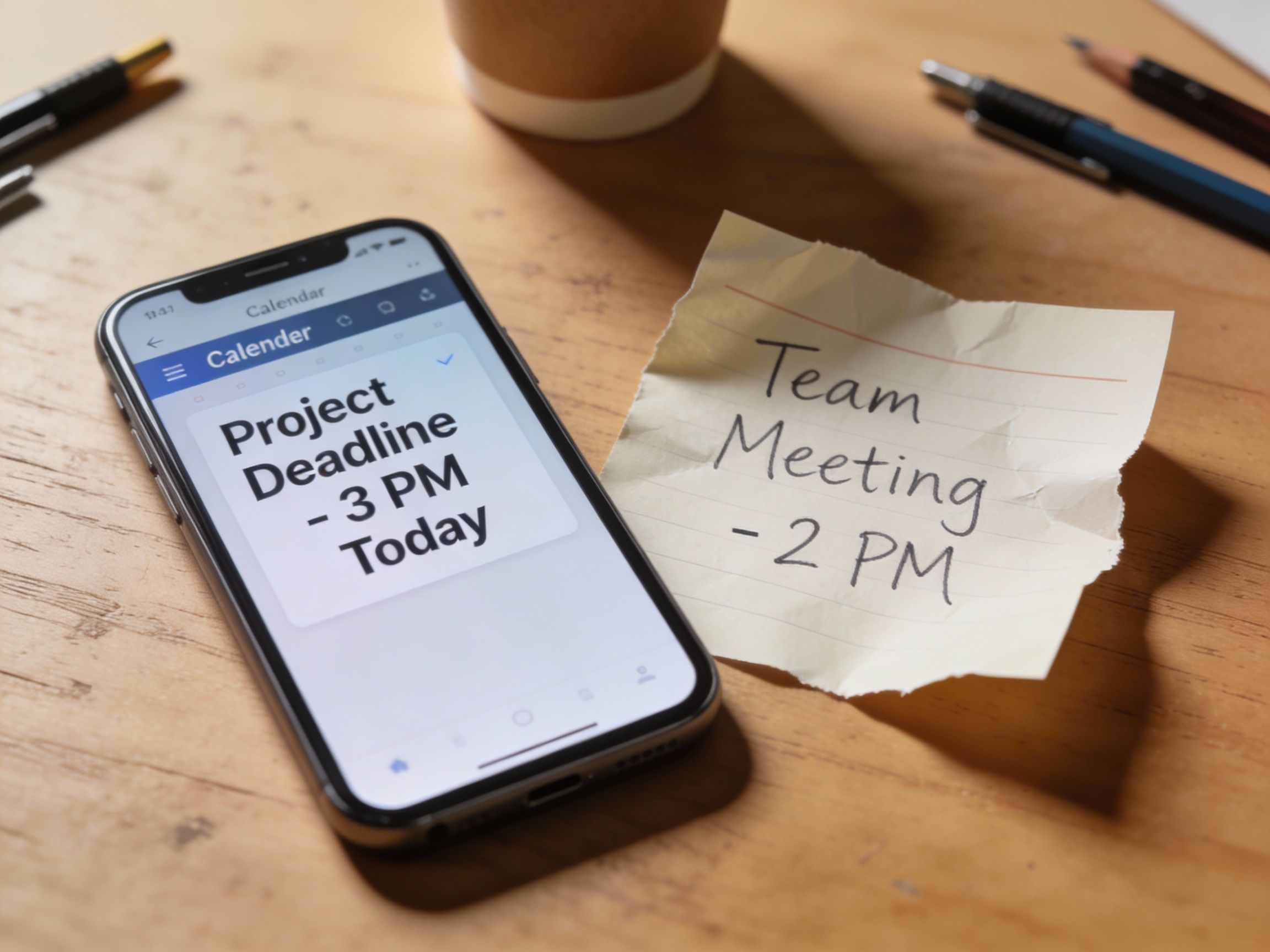
No-shows hurt. A missed appointment isn't just lost revenue—it's a slot that could have gone to someone else, staff time wasted, and momentum lost in your day.
If you're using EasyAppointments, you're already doing the right things: automated email confirmations, reminder messages, maybe even SMS notifications. But if you're still seeing more no-shows than you'd like, the problem might not be your reminder strategy. It might be what happens after the reminder lands.
The Reminder Paradox
Here's what typically happens: Your customer books an appointment. They get a confirmation email with an ICS file attached. Maybe they click it, maybe they don't. A day before, they get a reminder email. They think, "Right, I need to do that," and then... life happens.
The issue isn't that they forgot. It's that the appointment never made it onto their calendar in the first place.
Why ICS Files Don't Stick
When EasyAppointments sends a booking confirmation, it typically includes an .ics file—a calendar attachment. In theory, the customer opens it, clicks "Add to Calendar," and they're set.
In practice:
On mobile, most people never open attachments. The email looks complete, so they move on.
In Outlook and Exchange, ICS files land as "tentative" items that blend into the background. They don't trigger the same reminders as real calendar invites. Worse, if you need to update the appointment time, sending a new ICS file doesn't update the original—it creates a duplicate.
Gmail handles ICS better, automatically adding events to Google Calendar. But even then, changes don't sync. If a customer reschedules, they now have two entries: the old time and the new one.
The result: customers who meant to show up genuinely forget, because the appointment was never properly on their radar.
What Actually Works
The gold standard for calendar integration isn't an ICS file—it's a proper calendar invitation sent directly via CalDAV or the Google/Microsoft calendar APIs. These invitations:
- Appear as real events that sync across devices
- Update automatically when appointments change
- Delete cleanly when appointments are cancelled
- Trigger native calendar reminders
This is how enterprise scheduling systems work. It's why when your dentist's office sends you an appointment through their practice management system, it actually shows up on your calendar and stays updated.
Bridging the Gap
EasyAppointments is excellent at what it does—flexible, self-hosted scheduling that you control. The gap is in that last mile: getting appointments onto your customers' calendars in a way that sticks.
That's the problem we built ScheduCal to solve. It connects to your EasyAppointments instance and sends real calendar invitations through Google Calendar or Microsoft 365. When an appointment changes, the calendar event updates. When it's cancelled, it disappears.
No more orphaned ICS files. No more "I thought that was next week." Just appointments that stay where your customers can see them.
The Practical Impact
Will better calendar integration eliminate no-shows entirely? No. Some people will always forget, double-book, or have emergencies. But if you can convert even a fraction of your current no-shows into attended appointments, you're recovering real revenue.
Consider: if you have a 10% no-show rate and each appointment is worth $100, reducing that to 7% on 100 monthly appointments is an extra $300/month. The math scales with your volume and average ticket.
Getting Started
If you're running EasyAppointments and want to test whether better calendar integration reduces your no-shows, we're offering early access to ScheduCal. Visit scheducal.com to learn more.
In the meantime, here are some things you can do today:
- Check your confirmation emails—are customers actually opening that ICS attachment? If you have email analytics, look at attachment download rates.
- Ask your repeat customers—do they add appointments to their calendar? How? You might be surprised how many say "I just try to remember."
- Look at your no-show patterns—are they worse for certain customer segments? Outlook-heavy corporate clients might struggle more than Gmail users.
Understanding where the breakdown happens is the first step to fixing it.
ScheduCal provides calendar integration for EasyAppointments and other scheduling platforms. Learn more
Artifacts
Download allReddit postsDocument · MD Reduce no shows blog postDocument · MD